
Using Game-Inspired Visuals to Stay Organized
Games are masters of visual clarity. They present complex information—resources, objectives, maps, cooldowns, progress bars—in a way that feels intuitive and instantly readable. These visual systems help players stay organized, make fast decisions, and maintain a sense of control even in chaotic environments. When applied to real life, game-inspired visuals can transform your workflow, reduce cognitive load, and make organization feel more engaging and enjoyable.
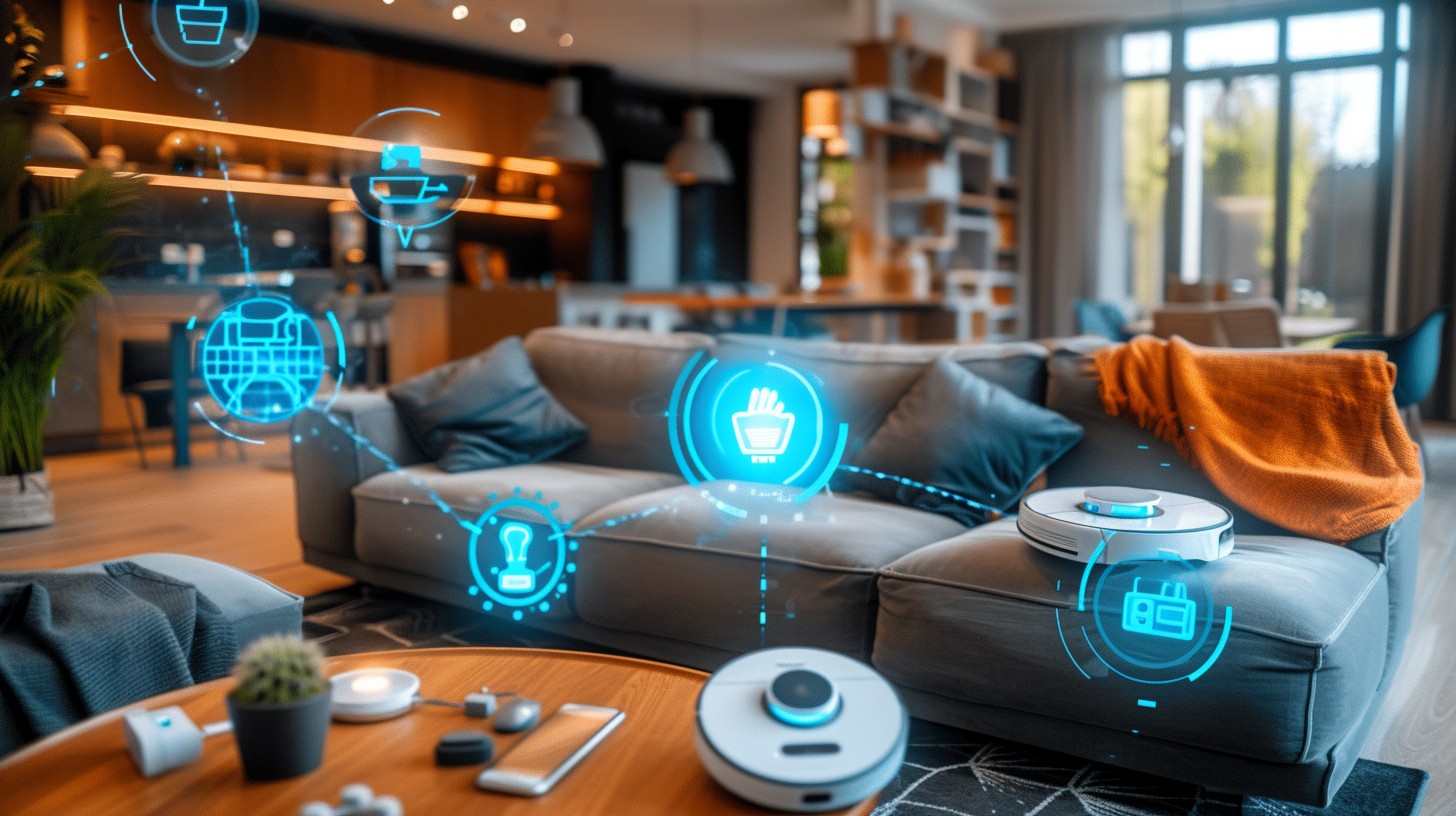
Game-inspired visual systems connect naturally with gaming-inspired focus timers, game UI decision-making principles, hybrid dashboards, gaming-style productivity apps, and cooldown systems. Together, they create a cohesive, visually driven productivity ecosystem.
Why visuals matter for organization
Your brain processes visual information faster than text. This is why games rely heavily on icons, colors, animations, and spatial layouts to communicate important details. When you apply these principles to your daily workflow, you can:
- Reduce decision fatigue
- Understand priorities at a glance
- Stay motivated through visual progress
- Organize tasks more intuitively
- Maintain clarity even during busy days
Visual systems turn organization into something you can see, not just something you think about.
Core game-inspired visual elements
Here are the most powerful visual elements from games that can help you stay organized in real life:
1. Progress bars
Progress bars show how far you’ve come and how much is left. They’re ideal for:
- Daily task completion
- Long-term goals
- Habit tracking
Progress bars pair naturally with hybrid dashboards that visualize your day like a game interface.
2. Color-coded categories
Games use color to signal urgency, status, and type. In real life, color coding helps you:
- Prioritize tasks
- Identify deadlines
- Group related items
This aligns with the decision-making principles explored in game UI design.
3. Icons and symbols
Icons reduce visual clutter and help you process information faster. They’re especially useful for:
- Task categories
- Energy levels
- Project types
Icons are a core part of gaming-style productivity apps.
4. Meters and gauges
Inspired by health bars and resource meters, gauges help you track:
- Energy
- Focus
- Time spent
- Progress toward goals
These meters pair well with cooldown systems that structure your work rhythm.
5. Visual task maps
Games often use maps to show where you are and what’s next. In real life, visual task maps help you:
- Understand project flow
- Identify bottlenecks
- Plan next steps
6. Quest-style layouts
Quest logs break big goals into smaller, manageable steps. They help you stay organized by showing:
- Main objectives
- Side tasks
- Optional goals
This structure aligns with focus timer systems that turn tasks into missions.
How game-inspired visuals reduce cognitive load
One of the biggest benefits of game-inspired visuals is their ability to reduce cognitive load. When information is presented visually, your brain spends less energy interpreting it and more energy acting on it.
Game-inspired visuals help by:
- Grouping related information
- Highlighting what matters most
- Using spatial layout to guide attention
- Replacing text with intuitive symbols
This makes organization feel easier and more natural.
How to apply game-inspired visuals to your workflow
You don’t need a full game interface to use game-inspired visuals. Here are simple ways to integrate them into your daily organization:
1. Use icons for task categories
Assign icons to different types of tasks—work, personal, creative, admin. This makes your task list instantly scannable.
2. Use color coding for urgency
Color coding helps you identify priorities without reading every item.
- Red: urgent
- Yellow: upcoming
- Green: completed
3. Add progress bars to your goals
Progress bars make long-term goals feel more achievable by showing incremental progress.
4. Use meters to track energy or focus
Energy meters help you plan your day around your natural rhythms.
5. Create visual dashboards
Dashboards inspired by game interfaces help you see your entire day at a glance.
See Hybrid Dashboards for more ideas.
6. Turn tasks into quests
Break big projects into quest-style steps. This makes organization feel more engaging and less overwhelming.
Examples of game-inspired visual systems
Here are a few examples of how game-inspired visuals can be used in real life:
1. RPG-style daily dashboard
- XP bar for daily progress
- Quest log for tasks
- Energy meter for focus
2. Sci-fi productivity interface
- Glowing progress rings
- Holographic-style icons
- Color-coded alerts
3. Pixel-art organization board
- Retro icons
- Pixel progress bars
- 8-bit color palette
Why game-inspired visuals improve motivation
Game-inspired visuals make organization feel rewarding. They tap into the same psychological systems that make games engaging:
- Clear goals
- Instant feedback
- Visible progress
- Reward loops
When your organization system feels fun, you’re more likely to use it consistently.
Integrating visuals with other gaming-inspired tools
Game-inspired visuals work best when combined with:
- Focus timers for structured work
- Dashboards for clarity
- Productivity apps for task management
- Cooldown systems for energy management
When these elements work together, your workflow becomes smoother, more intuitive, and more enjoyable.
Summary / Key takeaways
Game-inspired visuals help you stay organized by reducing cognitive load, clarifying priorities, and making progress visible. Elements like progress bars, icons, color coding, meters, and quest logs transform your workflow into a clear, engaging interface. When combined with focus timers, UI principles, dashboards, productivity apps, and cooldown systems, game-inspired visuals become a powerful foundation for modern productivity.
Reviewed by HGH Editorial